gstack: the Claude Code factory YC's CEO uses
Garry Tan is CEO of Y Combinator. In 60 days he wrote more than 600,000 lines of production code — 35% tests — 10,000 to 20,000 usable lines a day. He was also doing the full-time YC CEO job.
Not overtime. Tools. He open-sourced the Claude Code kit he actually uses. It is called gstack. 26,900 stars in a week.

What gstack is
One line: turn Claude Code into a virtual engineering team you actually manage.
- a CEO rethinks product direction
- an engineering manager locks architecture
- a designer catches AI taste failures
- a paranoid reviewer hunts production bugs
- QA opens a real browser and clicks
- a release engineer opens the PR
Fifteen specialist roles, six safety tools — all Markdown files and slash commands. MIT. Free.
Install in 30 seconds
You need Claude Code, Git, and Bun v1.0+:
git clone https://github.com/garrytan/gstack.git ~/.claude/skills/gstack
cd ~/.claude/skills/gstack && ./setup
First ten minutes: /office-hours → /plan-ceo-review → /review → /qa.
The full Skill list
| Skill | Role | What it does |
|---|---|---|
/office-hours | YC office hours | The start. Six forced questions redefine the problem, attack the premise, generate implementation options. The design doc feeds downstream Skills |
/plan-ceo-review | CEO / founder | Rethink the problem. Find the 10-star product hiding in the request. Four modes: expand, selective expand, hold scope, shrink |
/plan-eng-review | Engineering manager | Lock architecture, data flow, diagrams, edges, tests. Force hidden assumptions up |
/plan-design-review | Senior designer | Interactive plan-mode design review. Score each dimension 0–10, define what a 10 is, fix the plan |
/design-consultation | Design partner | Build a full design system from zero. Learn the industry, propose creative risk, generate real mockups |
/review | Staff engineer | Find bugs that pass CI and blow up in production. Auto-fix the obvious. Flag completeness gaps |
/investigate | Debugger | Systematic root-cause. Iron rule: no investigation, no fix. Trace data flow, test hypotheses, stop after three failures |
/design-review | Designer who codes | Live-site visual audit + fix loop. 80-item audit, then fix. Atomic commits, before/after screenshots |
/qa | QA lead | Test the app, find bugs, fix in atomic commits, re-verify. Auto-write a regression test for each fix |
/qa-only | QA reporter | Same method, report only — when you want a bug list and no code changes |
/ship | Release engineer | Sync main, run tests, audit coverage, push, open a PR. If you have no test framework it builds one. One command |
/document-release | Tech writer | Update every project doc to match what you just shipped. Catch a stale README |
/retro | Engineering manager | Team-aware weekly retro. Per-person breakdown, ship streak, test-health trend, growth chances |
/browse | QA engineer | Eyes for the agent. Real Chromium, real clicks, real screenshots. ~100ms per command |
/setup-browser-cookies | Session manager | Import cookies from a real browser (Chrome, Arc, Brave, Edge) into a headless session. Test authenticated pages |
| Second AI | ||
/codex | Second opinion | Independent review from OpenAI Codex CLI. Three modes: code review (pass/fail gate), adversarial challenge, open consult with session continuity |
| Safety & tools | ||
/careful | Safety rail | Warn before destructive commands (rm -rf, DROP TABLE, force-push, git reset --hard). Any warning can be overridden. Common build cleanups are already allowlisted |
/freeze | Edit lock | Restrict all file edits to one directory. Blocks Edit/Write outside the fence. Accident prevention while debugging |
/guard | Full safety | /careful + /freeze in one command. Maximum safety for production work |
/unfreeze | Unlock | Remove the /freeze fence; edit anywhere again |
/gstack-upgrade | Self-updater | Upgrade gstack. Detects global vs vendored install, syncs both, shows what changed |
Skill deep-dives
/office-hours — where every project should start
Before you plan, before you review, before you write code — sit with a YC-style partner and think about what you are actually building. Not what you think you are building. What you are actually building.
The reframe
A real case: the user said “I want a calendar-briefing app.” Reasonable. Then it asked about the pain — concrete examples, not hypotheses. They described assistants missing things, stale calendar items across Google accounts, AI-slop prep docs, hours chasing events in the wrong place.
It came back: “I am going to challenge the frame. I think you already outgrew it. You said ‘a calendar briefing app for multi-Google-calendar management.’ What you described is a chief-of-staff AI.”
Then it pulled out five capabilities the user had not realized they were describing:
- Watch the calendar — across accounts; detect stale info, missing locations, permission gaps
- Generate real prep — not a logistics summary: intellectual work for a board meeting, a podcast, a raise
- Run a CRM — who you are seeing, the relationship, what they want, the history
- Prioritize time — flag prep that has to start early, block time proactively, rank events by importance
- Trade money for leverage — actively look for what to delegate or automate
That reframe changed the project. They were going to build a calendar app. They are now building something 10× more valuable — because the Skill listened to the pain, not the feature request.
Premise challenge
After the reframe it shows premises for you to verify. Not “does this sound good?” — falsifiable claims about the product:
- the calendar is the anchor data source; the value is the intelligence layer on top
- assistants are not replaced — they get superpowers
- the narrowest wedge is one calendar brief that actually works
- CRM integration is required, not a nice-to-have
You agree, disagree, or adjust. Every premise you accept is load-bearing in the design doc.
Implementation options
Then it generates 2–3 concrete options with honest effort:
- A: calendar brief first — narrowest wedge, ship tomorrow, M effort (human ~3 weeks / Claude Code ~2 days)
- B: CRM first — build the relationship graph, L (human ~6 weeks / CC ~4 days)
- C: full vision — everything at once, XL (human ~3 months / CC ~1.5 weeks)
It recommends A because you learn from real use. CRM data arrives naturally in week two.
Two modes
Startup mode — building a business, founder or internal. Six forced questions distilled from how YC partners evaluate products: demand reality, status quo, urgent concreteness, narrowest wedge, observe & surprise, future fit. The questions are meant to be uncomfortable. If you cannot name a specific person who needs this, that is the most important thing to learn before you write code.
Builder mode — hackathon, side project, open source, learning, fun. An enthusiastic collaborator helping you find the coolest version of the idea. What would make someone say “whoa”? What is the fastest path to something shareable? Generative questions, not interrogation.
The design doc
Both modes end by writing a design doc to ~/.gstack/projects/ — that doc feeds /plan-ceo-review and /plan-eng-review directly. The full life cycle is now: office-hours → plan → implement → review → QA → ship → retro.
/plan-ceo-review — founder mode
This is where I want the model to think with taste, ambition, user empathy, and a long horizon. I do not want it to take the request literally. I want it to ask a more important question first:
What is this product actually for?
I think of this as Brian Chesky mode.
The point is not to implement the obvious ticket. The point is to rethink the problem from the user’s side and find the version that feels inevitable, delightful, maybe a little magical.
Example
Suppose I am building a Craigslist-style listing app and I say:
“Let sellers upload photos of their items.”
A weak assistant adds a file picker and saves the image.
That is not a real product.
In /plan-ceo-review I want the model to ask whether “photo upload” is the feature. Maybe the real job is helping someone create a listing that actually sells.
If that is the real job, the whole plan changes.
Now the model should ask:
- can we identify the product from the photo?
- can we infer a SKU or model?
- can we search the web and draft a title and description?
- can we pull specs, category, price comps?
- can we suggest which photo converts best as the hero?
- can we detect ugly, dark, cluttered, low-trust photos?
- can we make the experience feel premium instead of a 2007 dead form?
That is what /plan-ceo-review does for me.
It does not only ask “how do I add this feature?” It asks “what 10-star product is hiding inside this request?”
Four modes
- Expand scope — dream. The agent proposes ambitious versions. Each expansion is a separate opt-in. Enthusiastic recommend
- Selective expand — current scope as baseline; float what else is possible, one by one, neutrally — you pick
- Hold scope — maximum strictness on the existing plan. No expansions
- Shrink scope — smallest viable version. Cut everything else
Vision and decisions persist to ~/.gstack/projects/ so they survive the chat. Special visions can be promoted into docs/designs/ in the repo for the team.
/plan-eng-review — engineering-manager mode
Once product direction is right, I want a completely different intelligence. I do not want more sprawling ideation. I do not want more “wouldn’t it be cool if.” I want the model to be my best tech lead.
This mode should lock:
- architecture
- system boundaries
- data flow
- state transitions
- failure modes
- edge cases
- trust boundaries
- test coverage
And one unlock that was unexpectedly huge: diagrams.
When you force an LLM to draw the system it becomes more complete. Sequence, state, component, data-flow, even a test matrix. Diagrams force hidden assumptions up. They make a fuzzy plan harder.
So /plan-eng-review is where I want the model to build the technical spine that can carry the product vision.
Review-ready dashboard
Every review (CEO, Eng, Design) records its result. At the end of each review you see a dashboard:
+====================================================================+
|                    REVIEW-READY DASHBOARD                          |
+====================================================================+
| Review          | Runs | Last run            | Status    | Required|
|-----------------|------|---------------------|-----------|---------|
| Eng Review      |  1   | 2026-03-16 15:00    | CLEAR     | YES     |
| CEO Review      |  1   | 2026-03-16 14:30    | CLEAR     | no      |
| Design Review   |  0   | —                   | —         | no      |
+--------------------------------------------------------------------+
| Verdict: CLEARED — Eng Review passed                               |
+====================================================================+
Eng Review is the only required gate (disable with gstack-config set skip_eng_review true). CEO and Design are informational — recommended for product and UI changes respectively.
Plan-to-QA
When /plan-eng-review finishes the test-review section it writes a test-plan artifact to ~/.gstack/projects/. When you later run /qa, it picks that plan up automatically — engineering review feeds QA with no copy-paste.
/plan-design-review — review the design before any code
This is a senior designer reviewing your plan — before you write a line.
Most plans describe what the backend does and never specify what the user actually sees. Empty state? Error state? Loading? Mobile layout? AI-slop risk? Those decisions get deferred to “we’ll think about it in implementation” — and then engineering ships “no items found” as the empty state because nobody specified better.
/plan-design-review catches all of that in the plan, while the fix is cheap.
It works like /plan-ceo-review and /plan-eng-review — interactive, one question at a time, STOP + AskUserQuestion. It scores each design dimension 0–10, explains what a 10 looks like, then edits the plan toward that. Scores drive the work: low = a lot of repair; high = a fast pass.
Seven rounds on the plan: information architecture, interaction-state coverage, user journey, AI-slop risk, design-system alignment, responsive/a11y, unresolved design decisions. Each round it finds gaps, either fixes the obvious or asks you to make a real trade-off.
/design-consultation — a design system from zero
/plan-design-review audits a site that already exists. /design-consultation is when you have nothing — no system, no type choice, no palette. You start from zero and want a senior designer to sit down and build the whole visual identity with you.
It is a conversation, not a form. The agent asks about the product, the users, the audience. It thinks about what the product needs to convey — trust, speed, craft, warmth — and works backward to concrete choices. Then it proposes a complete, consistent system: aesthetic direction, type (3+ fonts with specific roles), a palette with hex values, a spacing scale, a layout method, a motion strategy. Every recommendation has a reason. Every choice reinforces the others.
Consistency is the floor. Every developer-tool dashboard looks the same — clean sans, soft gray, blue accent. They are all consistent. They are all forgettable. What takes a product from “looks fine” to something people actually recognize is deliberate creative risk: an unexpected serif in the title, a bold accent nobody in your category uses, tighter spacing that makes the data feel authoritative instead of airy.
That is what /design-consultation is really about. It does not only propose a safe system. It proposes the safe choices and the risks — and tells you which is which. “These choices make you literate in the category. Here is where I think you should break convention, and why.” You pick which risks to take. The agent checks that the whole system is consistent either way.
/review — paranoid staff-engineer mode
Passing tests does not mean the branch is safe.
/review exists because a whole class of bugs survives CI and hits you in production. This mode is not about dreaming bigger or making the plan prettier. It is about asking:
What else can break?
A structural audit, not style nits. I want the model hunting:
- N+1 queries
- stale reads
- races
- bad trust boundaries
- missing indexes
- escaped bugs
- broken invariants
- bad retry logic
- tests that pass and miss the real failure mode
- forgotten enum handlers — add a new state or type constant and
/reviewtraces it through every switch and allowlist in the repo, not just the file you touched
Fix first
Findings get action, not a list. Obvious mechanical fixes (dead code, stale comments, N+1) apply automatically — you see each [AUTO-FIXED] file:line Problem → what it did. Genuinely ambiguous issues (security, races, design calls) surface for you to decide.
Completeness gaps
/review now flags shortcut implementations where the complete version is under 30 minutes of Claude Code time. If you picked an 80% solution and the 100% is a lake, not an ocean, the review calls it.
/qa — real-browser QA
When something is broken and you do not know why, /investigate is the systematic debugger. Iron rule: no root-cause investigation, no fix.
Not guess-and-patch. It traces data flow, matches known bug patterns, tests one hypothesis at a time. If three fix attempts fail, it stops and questions the architecture instead of thrashing. That stops the “let me try one more time” spiral that burns hours.
Four modes
- Diff-aware (automatic on a feature branch) — reads
git diff main, identifies which pages your change touches, tests those - Full — systematic exploration of the whole app. 5–15 minutes. 5–10 documented issues
- Quick (
--quick) — 30-second smoke. Home + first five nav targets - Regression (
--regression baseline.json) — run full, then compare to a prior baseline
Auto regression tests
When /qa fixes a bug and verifies, it auto-generates a regression test that captures the exact bad scene, with attribution back to the QA report.
/ship — release-engineer mode
Once I have decided what to build, locked the technical plan, and run a serious review, I do not want more talk. I want execution.
/ship is the last mile. Ready branches, not deciding what to build.
This is where the model should stop acting like a brainstorm partner and start acting like a disciplined release engineer: sync main, run the right tests, make sure branch state is sane, update changelog or version if the repo expects it, push, create or update the PR.
Test bootstrap
If the project has no test framework, /ship builds one — detect the runtime, research the best framework, install it, write 3–5 real tests against your actual code, stand up CI/CD (GitHub Actions), create TESTING.md. 100% coverage is the goal — tests make vibe coding safe instead of yolo coding.
Coverage audit
Every /ship run builds a code-path graph from your diff, searches for matching tests, and produces an ASCII coverage map with quality stars. Gaps get auto-generated tests. The PR body shows coverage: Tests: 42 → 47 (+5 new).
Review gate
/ship checks the review-ready dashboard before it opens a PR. If Eng Review is missing it asks — it will not block you. The decision is saved per branch so you are not asked twice.
A lot of branches die after the interesting work is done and only the boring release work is left. Humans procrastinate that part. AI should not.
/browse — eyes for the agent
/browse is the closed-loop Skill. Before it, the agent could think and code and was still half-blind. It had to guess UI state, auth flows, redirects, console errors, empty states, bad layout. Now it can go look.
A compiled binary talking to a persistent Chromium daemon — built on Microsoft’s Playwright. First call starts the browser (~3s). After that: ~100–200ms. The browser stays up between commands, so cookies, tabs, and localStorage persist.
Handoff
When the headless browser gets stuck — CAPTCHA, MFA, messy auth — hand it to the user:
Claude: I am stuck on a CAPTCHA on the login page. Opening a visible Chrome so you can solve it.

        > browse handoff "stuck on login CAPTCHA"

        Chrome opens at https://app.example.com/login with your cookies and tabs intact.
        Solve the CAPTCHA and tell me when you are done.

You:    done

Claude: > browse resume

        New snapshot. Logged in. Continuing QA.
The browser keeps all state across the handoff. After resume the agent gets a new snapshot from where you left it. If browse tools fail three times in a row, it automatically suggests handoff.
/codex — second opinion
When /review catches bugs from Claude’s point of view, /codex brings a completely different AI — OpenAI’s Codex CLI — over the same diff. Different training, different blind spots, different strengths. Overlap tells you what is actually true. Each unique finding is a bug neither would have caught alone.
Three modes
Review — run codex review on the current diff. Codex reads every changed file, grades findings by severity (P1 critical, P2 high, P3 medium), returns pass/fail. Any P1 = fail. Completely independent — Codex cannot see Claude’s review.
Challenge — adversarial. Codex actively tries to break your code. Edges, races, security holes, assumptions that fail under load. Maximum reasoning effort (xhigh). Think of it as a pentest of your logic.
Consult — open conversation with session continuity. Ask Codex anything about the codebase. Follow-ups reuse the same session. Perfect for “am I thinking about this right?”
Cross-model analysis
When /review (Claude) and /codex (OpenAI) have both reviewed the same branch, you get a comparison: which findings overlap (high confidence), which are unique to Codex (different eye), which are unique to Claude. Two doctors, one patient.
Safety rails
Four Skills add guardrails to any Claude Code session. They run through Claude Code’s PreToolUse hook — transparent, session-scoped, no config file.
/careful — say “be careful” or run /careful when you are near production, running destructive commands, or just want a net. Every Bash command is checked against known-dangerous patterns: rm -rf, DROP TABLE, git push --force, git reset --hard, kubectl delete, and so on. Common build-artifact cleanups (rm -rf node_modules, dist, .next) are already allowlisted — no false positives on routine work.
/freeze — restrict all file edits to one directory. When you are debugging a billing bug you do not want Claude “fixing” unrelated code in src/auth/. /freeze src/billing blocks Edit and Write outside that path. /investigate turns this on automatically — it detects the module under debug and freezes edits there.
/guard — full safety: /careful + /freeze in one command. Destructive-command warnings plus directory-scoped edits. Use it when you touch production or debug a live system.
/unfreeze — remove the /freeze fence; edit anywhere again. The hooks stay registered for the session — they just allow everything. Run /freeze again to set a new fence.
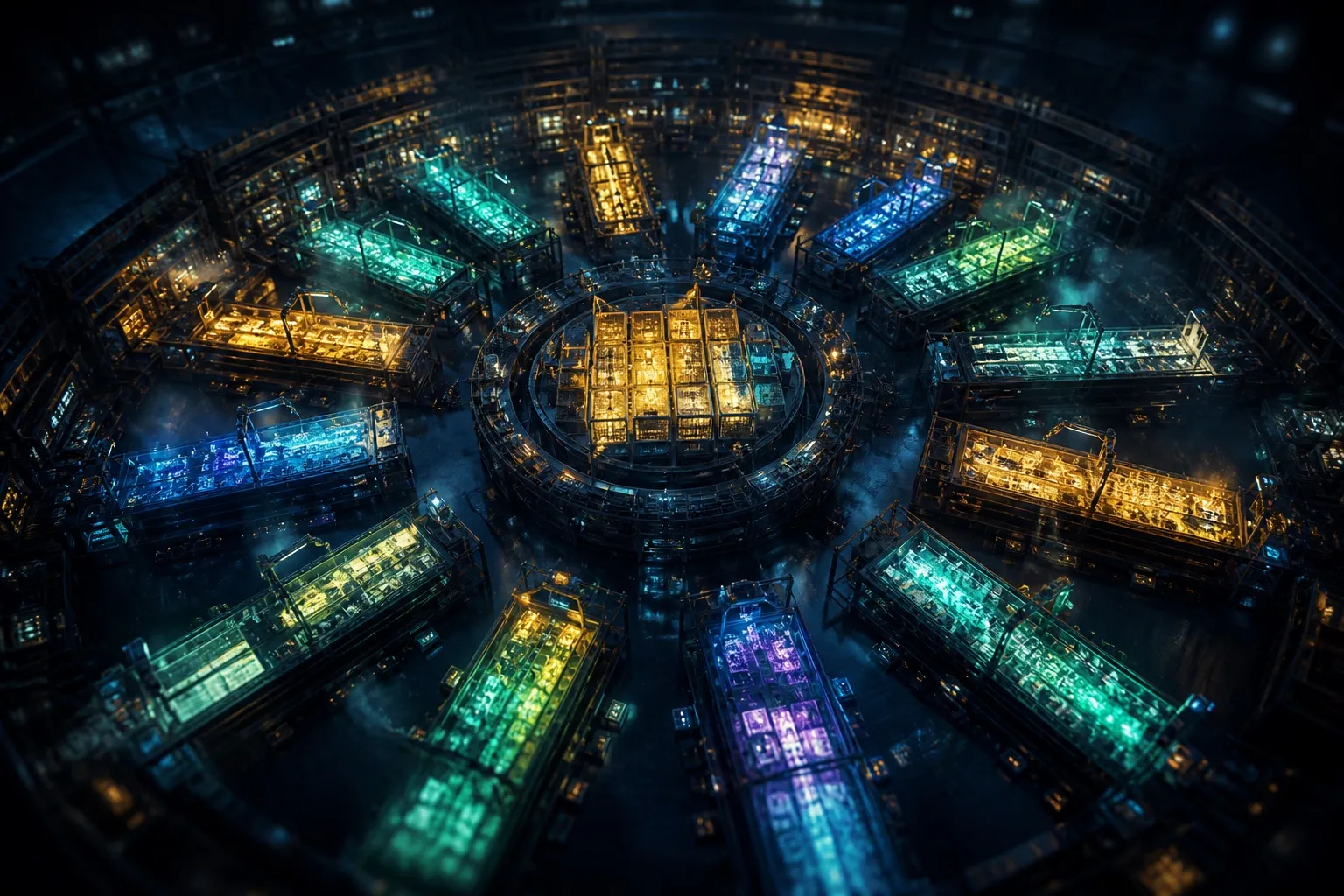
10–15 parallel sprints
A single gstack sprint is already strong. The real change is parallelism. With Conductor you can run 10–15 Claude Code sessions at once, each in its own workspace. One does office-hours, one reviews, one implements, one QAs. You manage them the way a CEO manages a team: only the nodes that need a decision. The rest run.
Greptile integration
Greptile is a YC company that auto-reviews your PRs. It catches real bugs — races, security issues, things that pass CI and blow up in production. It has saved me more than once. I love those people.
How it works here
The problem with any auto-reviewer is triage. Greptile is good; not every comment is a real issue. Some are false positives. Some flag something you fixed three commits ago. Without a triage layer, comments pile up and you start ignoring them — which defeats the point.
gstack solves that. /review and /ship are now Greptile-aware. They read Greptile’s comments, classify each, and act:
- valid issues go into critical findings and get fixed before release
- already-fixed issues get an automatic reply acknowledging the catch
- false positives get pushed back — you confirm, an explanation goes out
Two layers of review: Greptile catches asynchronously on the PR, then /review and /ship triage those findings as part of the normal workflow. Nothing falls in the crack.
Learn from history
Every false positive you confirm is saved to ~/.gstack/greptile-history.md. Future runs skip known FP patterns in your repo. /retro tracks Greptile’s hit rate over time — so you can see whether the signal-to-noise is improving.
Why gstack works
Back to three insights from earlier posts:
First, roles not prompts. Each Skill is a role with a hard duty boundary — more structure than a blank prompt.
Second, stance not knowledge. plan-ceo-review does not teach Claude business. It gives Claude a severe review stance and a process it cannot skip. That is why an engineering Skill can review a business plan.
Third, process not chaos. Think → Plan → Build → Review → Test → Ship, with a tool at each stage. Without a process, ten agents are ten sources of mess. With a process, each agent knows its job.
How this sits with the earlier posts
This is the fourth piece in the Agent Skills series, and the most operational:
- Google’s five design patterns — the theoretical frame
- Anthropic’s Skills lessons — the official method
- dontbesilent’s plan-ceo-review analysis — a deep cut of one Skill
- this gstack guide — a full toolkit in practice
Together they cover Agent Skills from theory to the shop floor.
References
- gstack on GitHub (MIT)
- Garry Tan, Y Combinator CEO
- Conductor, parallel-sprint tool
- What a top Skill looks like
- Lessons from hundreds of Skills inside Anthropic
- Five design patterns for Agent Skills
Comments